Onimusha: Way of the Sword System Requirements — PC Specs for Windows 11
Updated 2026-06-03
Capcom published the Onimusha: Way of the Sword system requirements alongside the Steam page. The game requires Windows 11 and a minimum of 16 GB RAM, with a GeForce GTX 1660 or Radeon RX 5500 XT for the baseline experience. The recommended spec targets 60 FPS at 1080p with high settings. If you want to test your hardware, the free demo includes a benchmark tool. Source: Steam
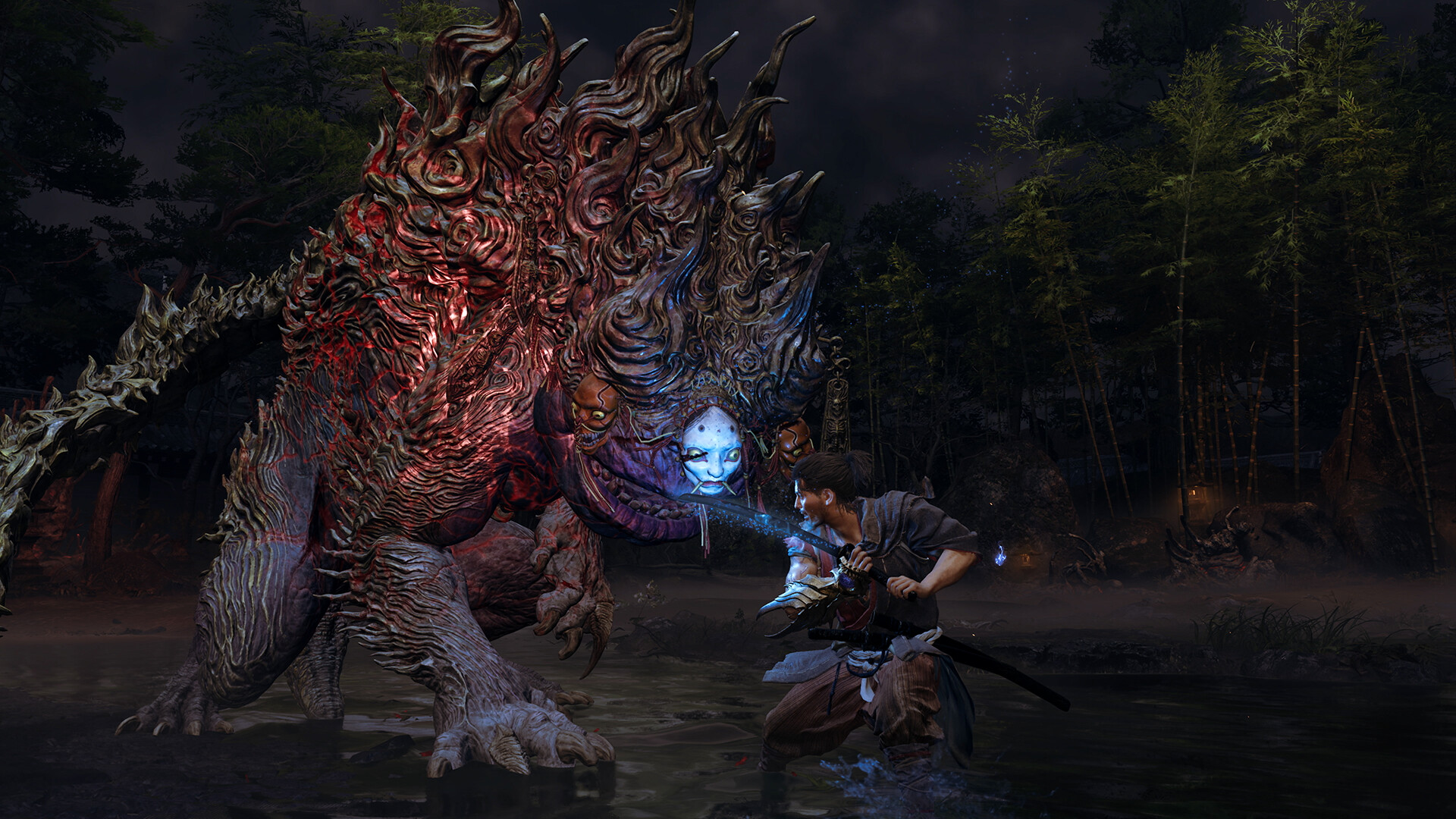
Minimum and recommended specs
| Component | Minimum | Recommended |
|---|---|---|
| OS | Windows 11 | Windows 11 |
| CPU | Intel i5-8400 / Ryzen 3 3100 | Intel i5-10400 / Ryzen 5 3600 |
| GPU | GTX 1660 6GB / RX 5500 XT 8GB | RTX 2060 Super 8GB / RX 6600 8GB |
| RAM | 16 GB | 16 GB |
| Storage | 50 GB SSD | 50 GB SSD |
| DirectX | 12 | 12 |
Storage and performance notes
An SSD is required, not recommended. The RE Engine streams assets during exploration through Kyoto's dense environments, and an HDD causes noticeable texture pop-in and longer load times. At 50 GB, the install size is modest by modern standards. Expect roughly 45-50 FPS on minimum spec at 1080p medium settings. The recommended spec delivers a stable 60 FPS at 1080p high. See the PC version guide for detailed benchmarks.
The recommended RTX 2060 Super handles 60 FPS at 1080p high with room to spare. An RTX 3060 or RX 6700 XT pushes 1440p at 60 FPS on high settings without breaking a sweat. For 4K at 60 FPS, you need an RTX 4070 or RX 7800 XT—the RE Engine is well-optimized but 4K remains demanding. The GTX 1660 at minimum spec scrapes 30-35 FPS at 1080p medium, which is playable but choppy during Issen parry windows. Drop shadows to low and you gain roughly 8-10 FPS on weaker cards. If you are between minimum and recommended—say an RTX 2060 or GTX 1080—expect 45-50 FPS at 1080p high with occasional dips in heavy Genma encounters.
Install the game on an HDD and load times jump from five seconds to forty or more. Texture streaming stutters hit every time you sprint through a new Kyoto district. The Steam Deck runs from an NVMe drive by default, which is a big reason it manages 30-40 FPS with its integrated GPU. An external HDD on a desktop rig is a bad experience—Capcom was right to require an SSD outright. NVMe drives like the Samsung 990 Pro or WD Black SN850X shave another two seconds off load times versus SATA SSDs. If you are still on a spinning drive, upgrade before launch. The PC version guide has benchmark numbers across drive types.
Steam Deck compatibility
Capcom has not officially verified the game for Steam Deck, but early demo reports suggest it runs at 30-40 FPS on medium settings with FSR enabled. A full report on Steam Deck performance is available in our dedicated guide.
FAQ
- Can I run the game on Windows 10?
- Officially no. The Steam page lists Windows 11 as the only supported OS. Some users may get it running on Windows 10 with workarounds, but Capcom does not guarantee stability.
- Is ray tracing supported?
- Capcom has not confirmed ray tracing support at launch. The RE Engine supports it in other titles, so a post-launch patch is possible but not announced.